01
Asset Board
Know where every piece of gear is. Check items out and back in from a phone, and see what is out and who has it.
We build simple, phone-friendly apps that replace the whiteboard, the clipboard, and the group text. Made for teams that run on shifts, rigs, rosters, and a lot of moving parts.
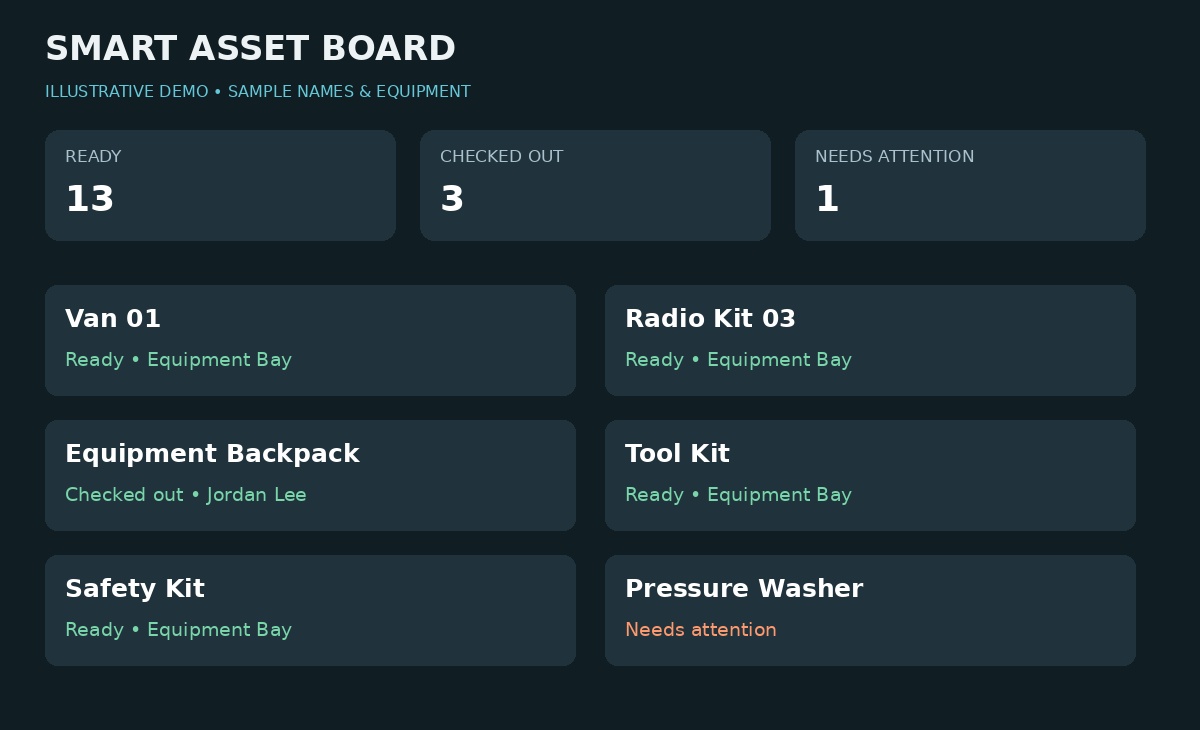
Know where every piece of gear is. Check items out and back in from a phone, and see what is out and who has it.
A live work call list your crew can update from a phone. See who is available, who is out, and who is on shift in one view.
Replace the paper log with a fast form that feeds a clean, searchable record. Fewer clicks at the end of a long shift.
Log trips, runs, and events as they happen, so the details are ready when it is time to report.
Keep contact information current and findable in seconds, with access set up for the people who need it.
Turn paper recipes, procedures, or reference sheets into one searchable collection with a simple form for adding new entries.
From shared equipment to a family recipe binder, each build starts with an actual task.
49-second showcase · Silent video · Equipment, crew, call-log, and preschool scenes use illustrative demo data
Explore five examples of what a tool built around your workflow can look like.
See what’s ready, what’s checked out, and what needs attention. The illustrative preview uses a van, radios, backpacks, and tools. Check equipment in or out, use QR codes, and flag items out of service.
A station log that brings calls and daily activity into one entry screen. The preview and interactive example use fictional incidents, locations, crew names, and unit numbers. Try entering a sample activity below. Entries write to the department’s yearly log sheet.
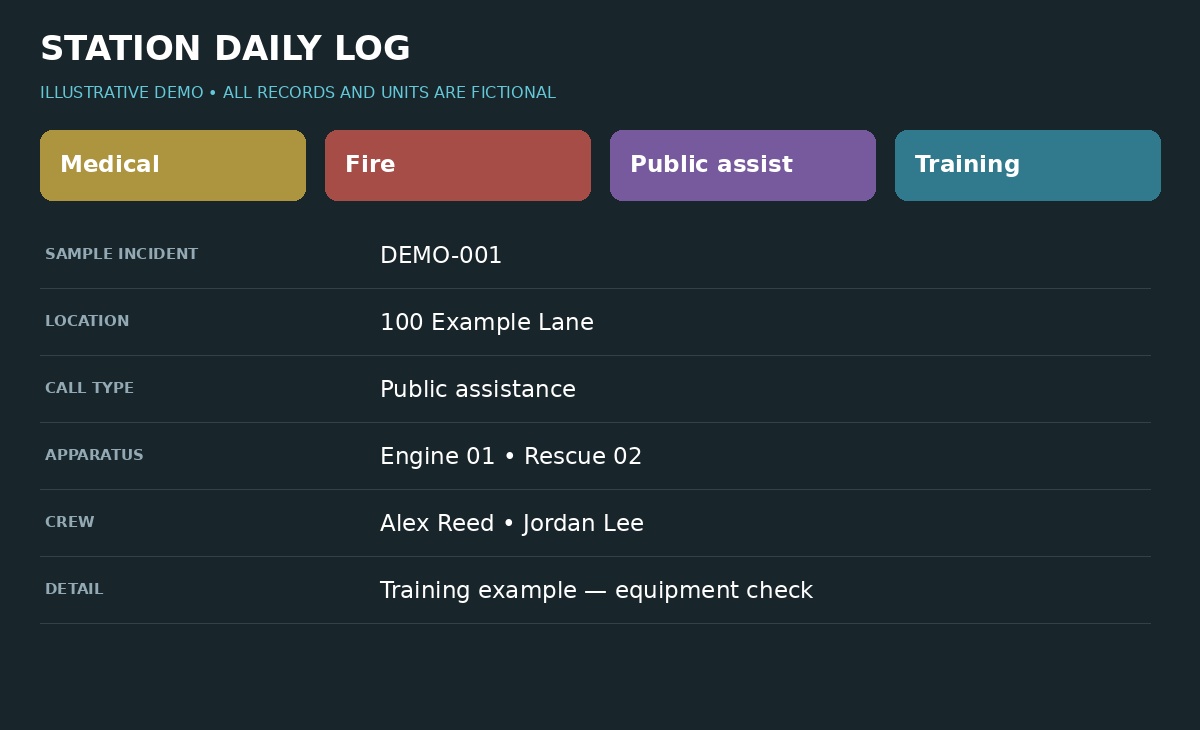
Based on the actual call-log layout, this browser demonstration includes call categories, crew selection, apparatus, level of care, transport, and callback details. All records and identifiers below are fictional.
| Record / Time | Call type / Location | Units / Crew | Notes |
|---|
Fictional example records. This demo runs only in your browser and resets when you reload. Use sample details when trying it.
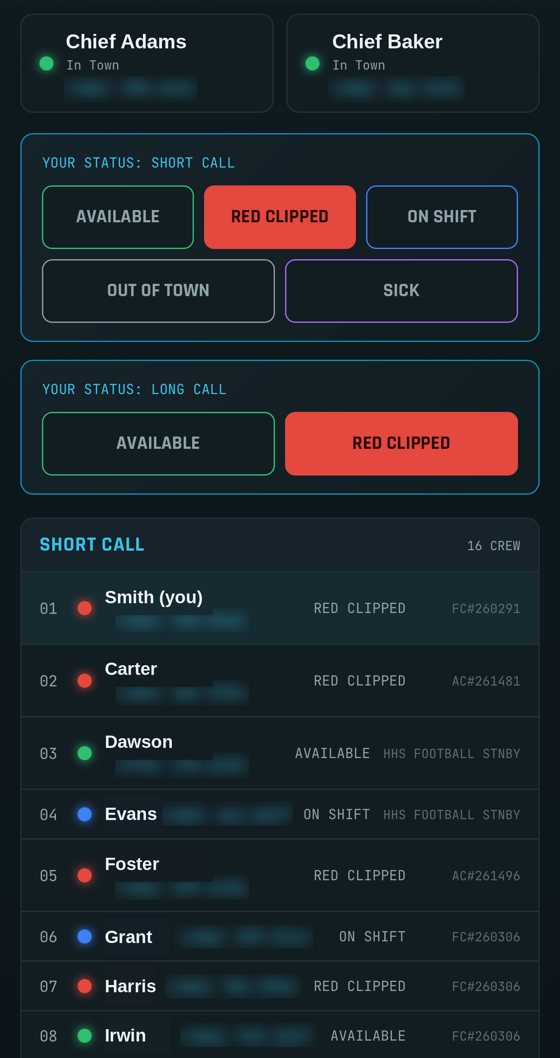
Off-duty crew update their availability from a phone. The person building the call list can see who’s available in one view.
Search for a child or parent, filter by class, and find the contact details staff need. This expanded fictional demo shows Emma Carter’s peanut allergy alongside her parents’ call and text options.
Try the sample below. All names, phone numbers, and health details are fictional.
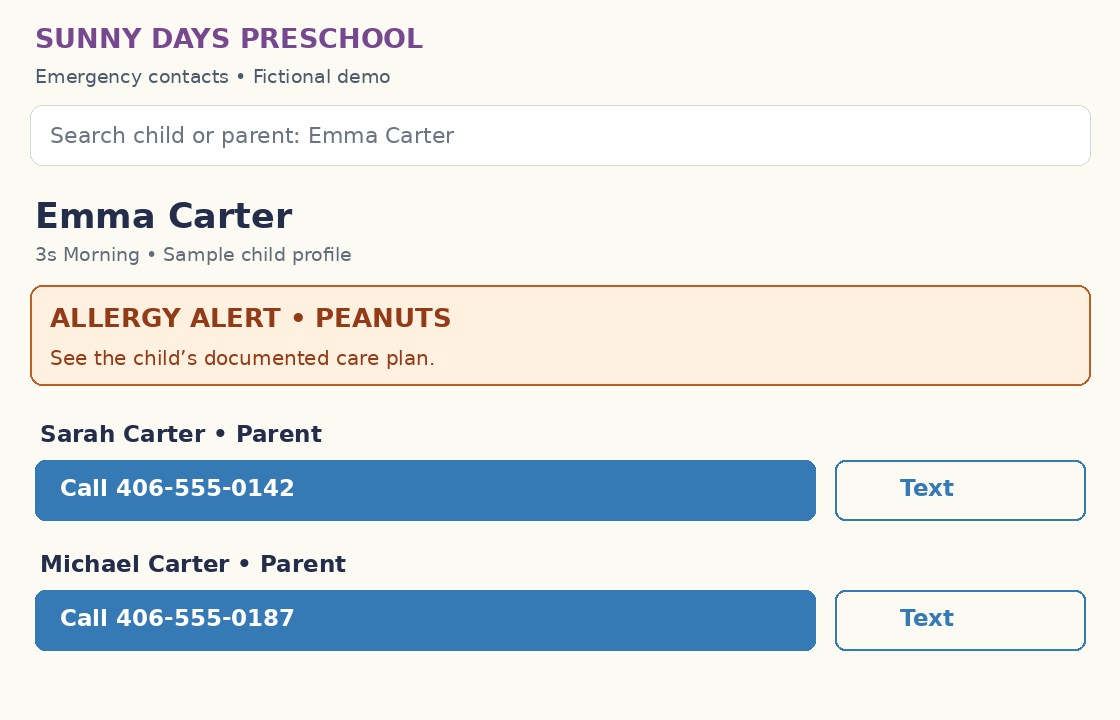
Interactive sample • Fictional records • Call and text controls show a demo message.
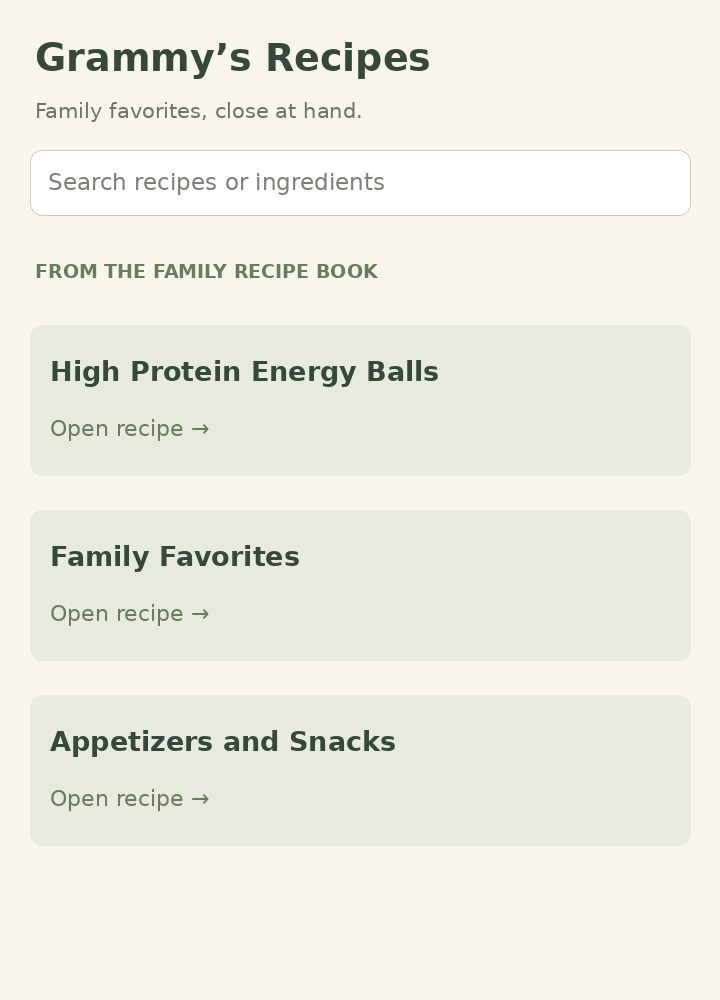
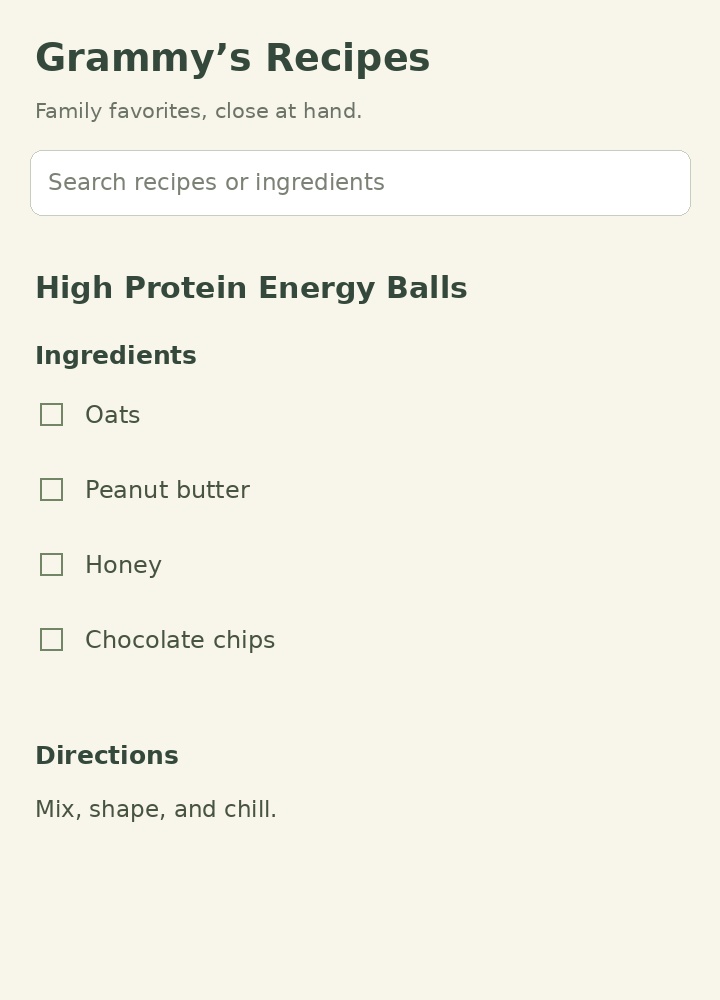
A handwritten binder becomes a searchable collection of 187 recipes. Browse categories, check off ingredients, save favorites, and add recipes through a simple form.
Tell us what you track today and where it breaks down. A photo of the whiteboard works fine.
You get a working version built on Google tools your team likely already has, shaped around how you actually work.
Your team uses it on real shifts. If it earns its place, we discuss the next step. The pilot gives you time to decide.
Runs in the browser. No app-store installation.
Google-based builds can use a Sheet you own and can open at any time.
Big buttons, few taps, and a layout that makes sense at 3 a.m.
Send a note and a photo of what you use today. We will tell you what a better version could look like.
dj@cognitivehotsaucelabs.com ↗Ask about a free 30-day pilot.Tell me what your team does, the task you’d like to simplify, and what you use today. A short description is enough to start.